👨🔧
Service Management
Monitor the status of all active service assignments across locations from a single dashboard view.


_edited.jpg)
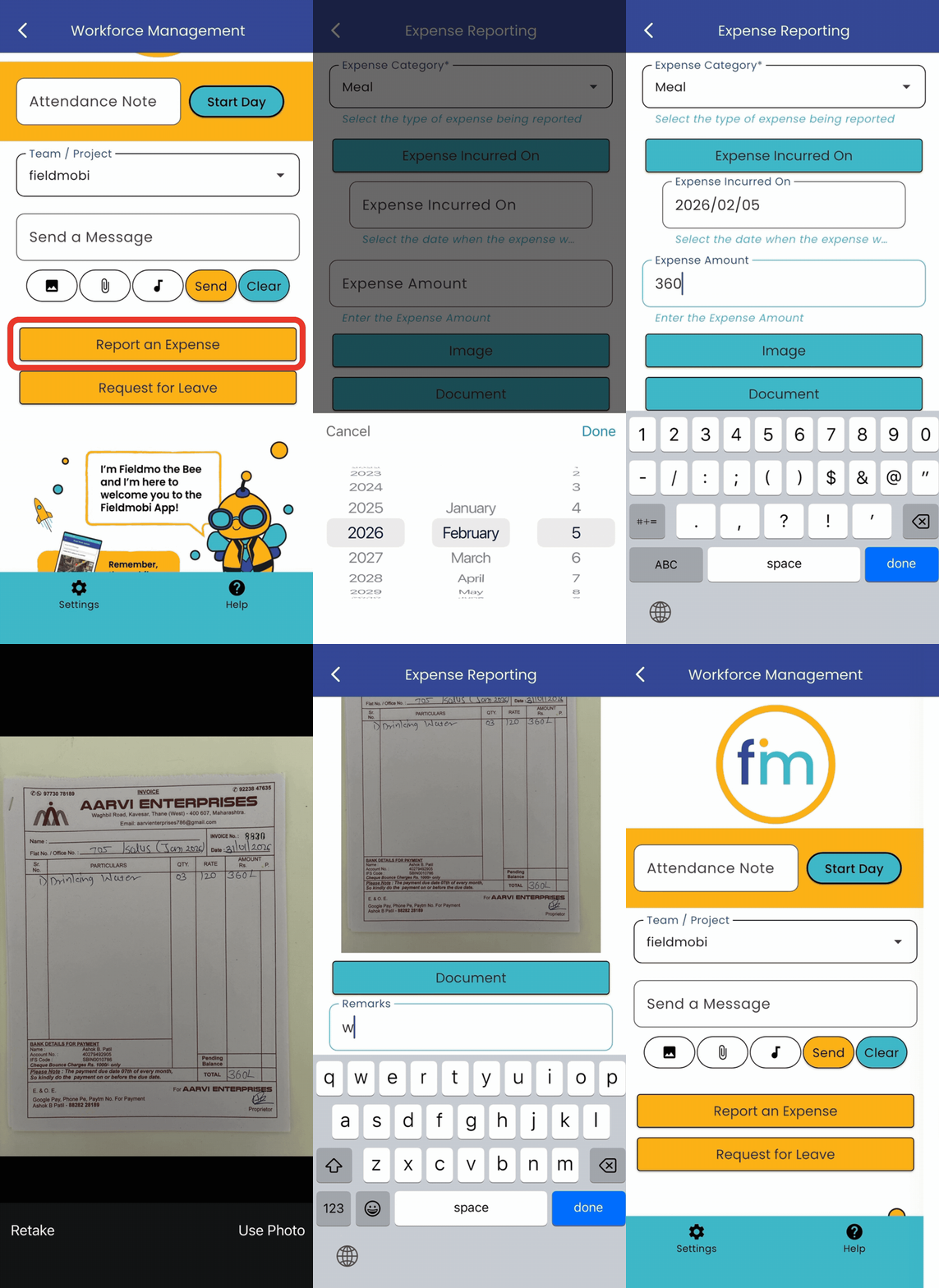
Raise a Service Request
Log service requests directly from the Fieldmobi mobile app or web dashboard, specifying the service type, location, description of the issue, and priority level.
Attach photos, audio notes, or documents to give the assigned team full context before they arrive on site.

_edited.jpg)


Service Updates
Track real-time progress on service jobs, directly updated from the field.
Your field teams can log updates, attach photos, and mark job milestones directly from the Fieldmobi mobile app. Supervisors can also add or edit updates from the web dashboard, keeping records accurate regardless of who is on the ground.
Assign Service Activity
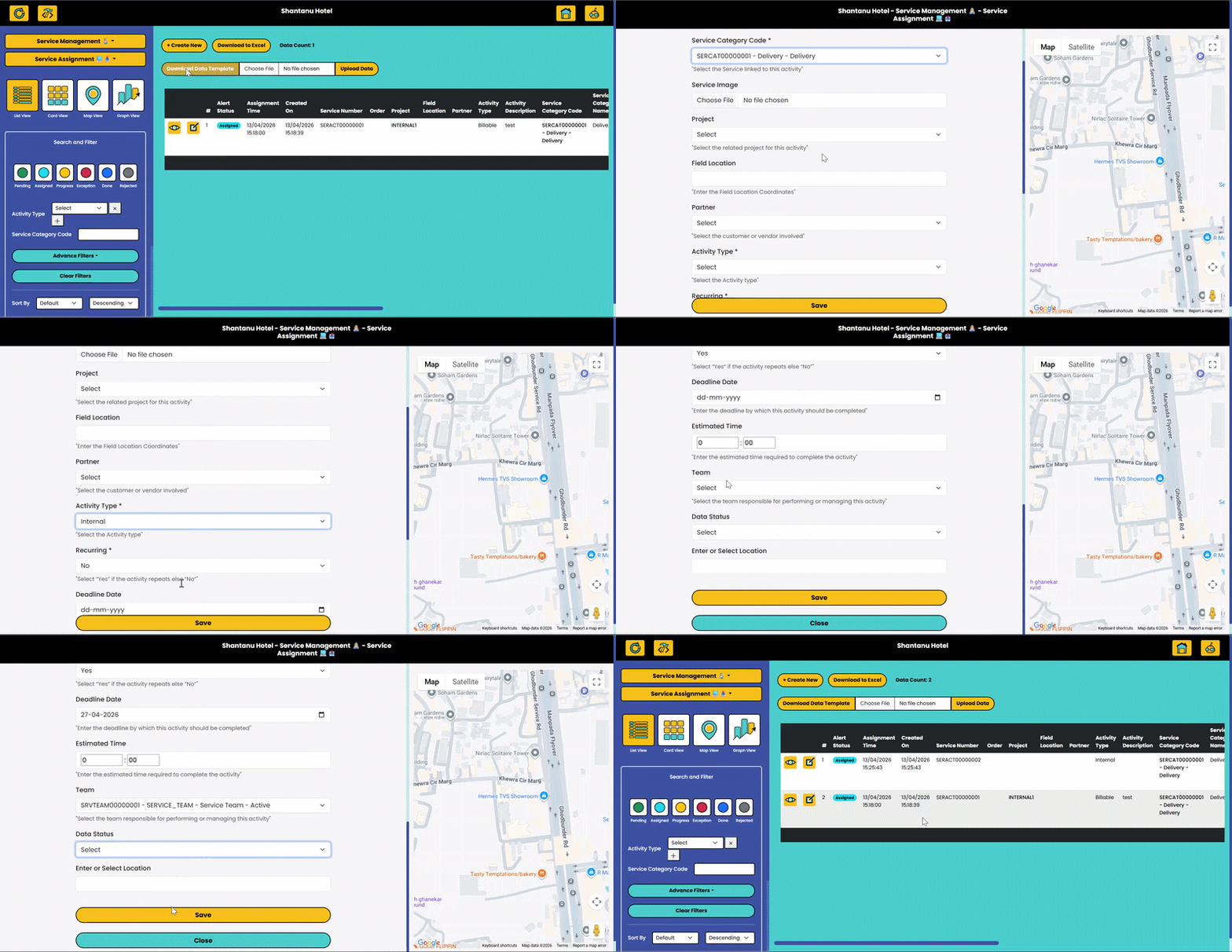
Assign and manage service jobs from the web dashboard, with full visibility across your field team.
Create a service assignment by specifying the job type, location, assigned technician, and priority. All active and upcoming assignments are visible on the dashboard for easy tracking and reallocation.

 Available Online
Discover how Fieldmobi can streamline your operations with a tailored, mobile-first ERP solution
45 min