.png)
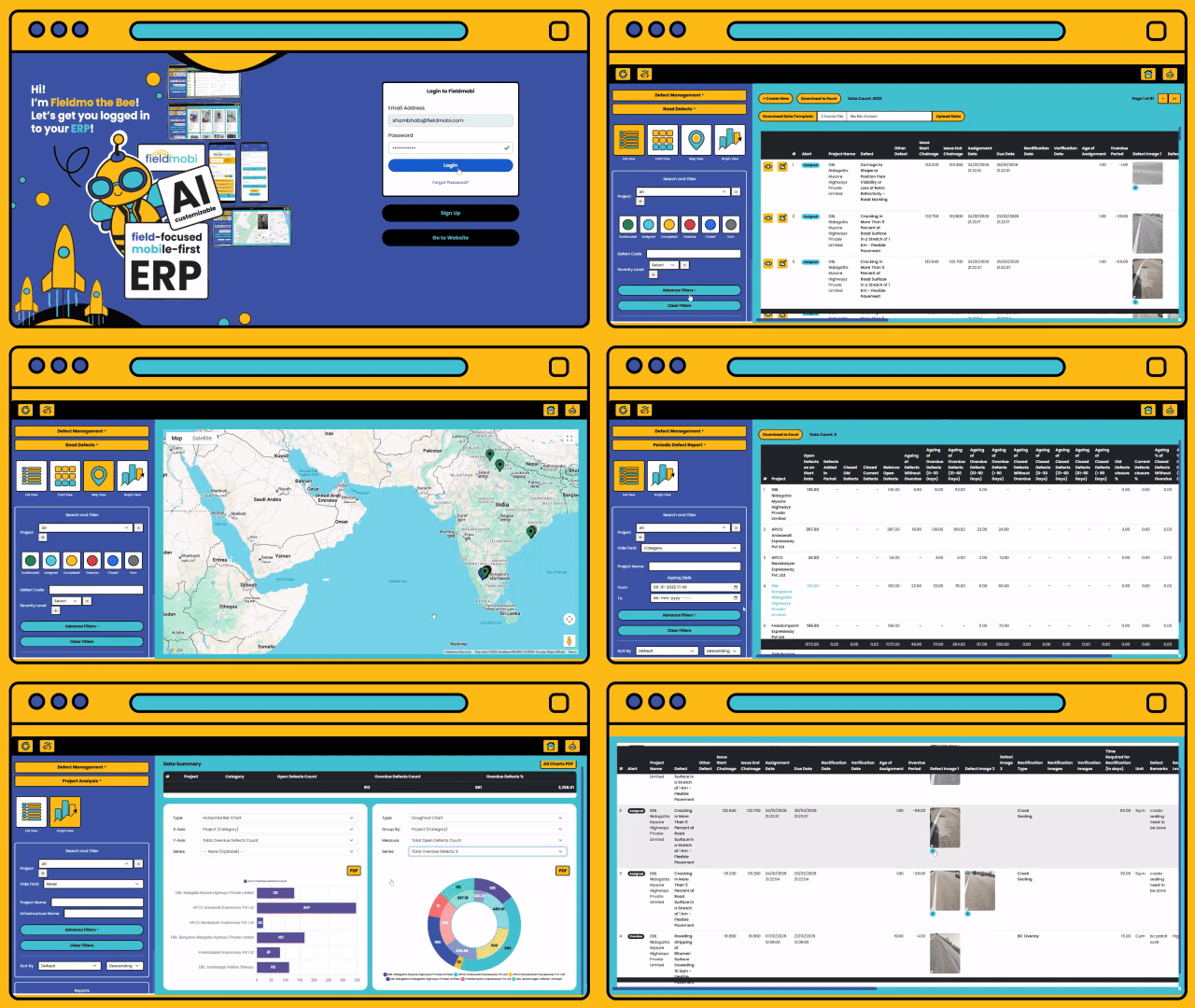
The Product
An ERP-grade Web Dashboard.
A field-friendly Mobile App.
And an AI-customizer that make roll-outs rapid.


How It Works
Pick a template from our application menu
Setup Roles & Access Controls
Download the Android/ iOS App to share updates from the field
Day 0
Ready
|---2 Working Days---|
Tell us your requirements & we'll make cutomisations using our AI-powered no-code customizer
Load Data & Setup APIs
Sign up to the Web Dashboard to View & Manage Data


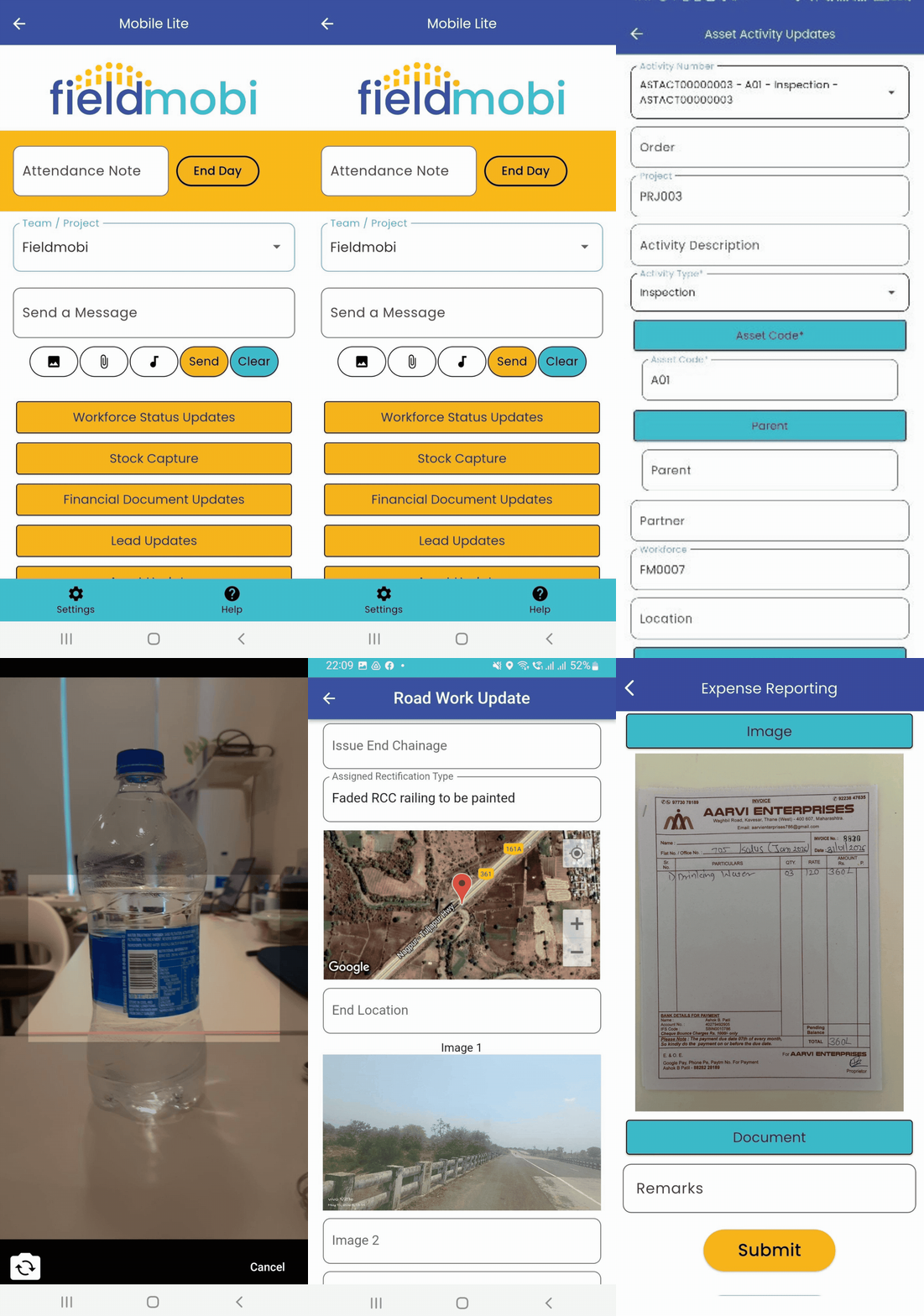
The Mobile App
An uncomplicated Android/iOS App that Field Users can use even with minimum training.
And accurately collect location and time-stamped data even in no/low network areas.


Automatic Location Capture

Media Capture with Image-to-Text

Work Updates & Verification

The Web Dashboard
An ERP-grade Dashboard with Access Controls, Summaries & Balances, Advance Search & Filters, Graphical Analysis, Alerts, Reports, etc.
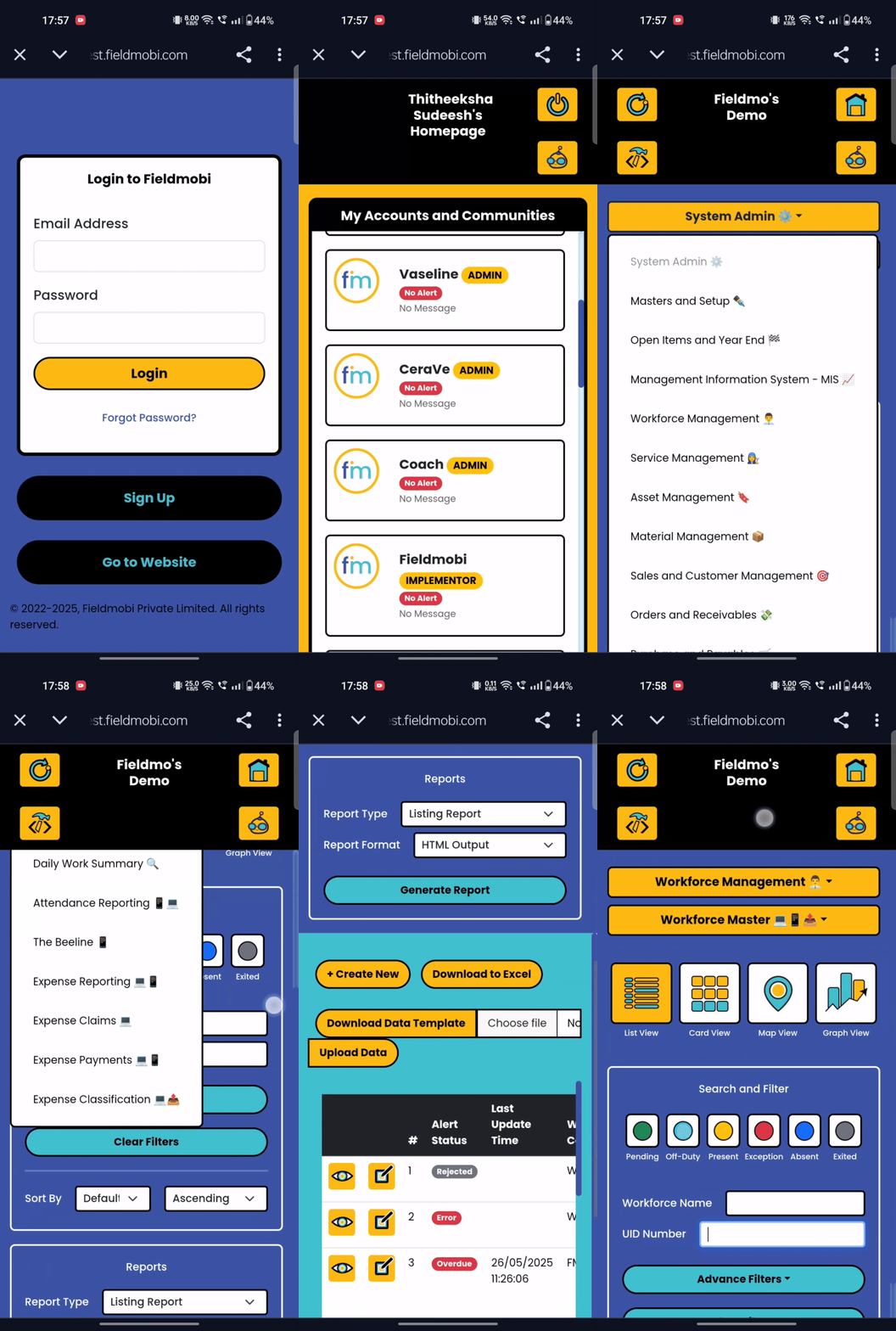
With different ways to visualize your data, including list, card, map & graph views, all field data stays structures and organized.
List View

Map View

Card View

Graph View

AI-Customizer, No-Code Editor
Get customized Fields, Views, Workflows and Reports in record time while keeping the integrity of the ERP backend intact.
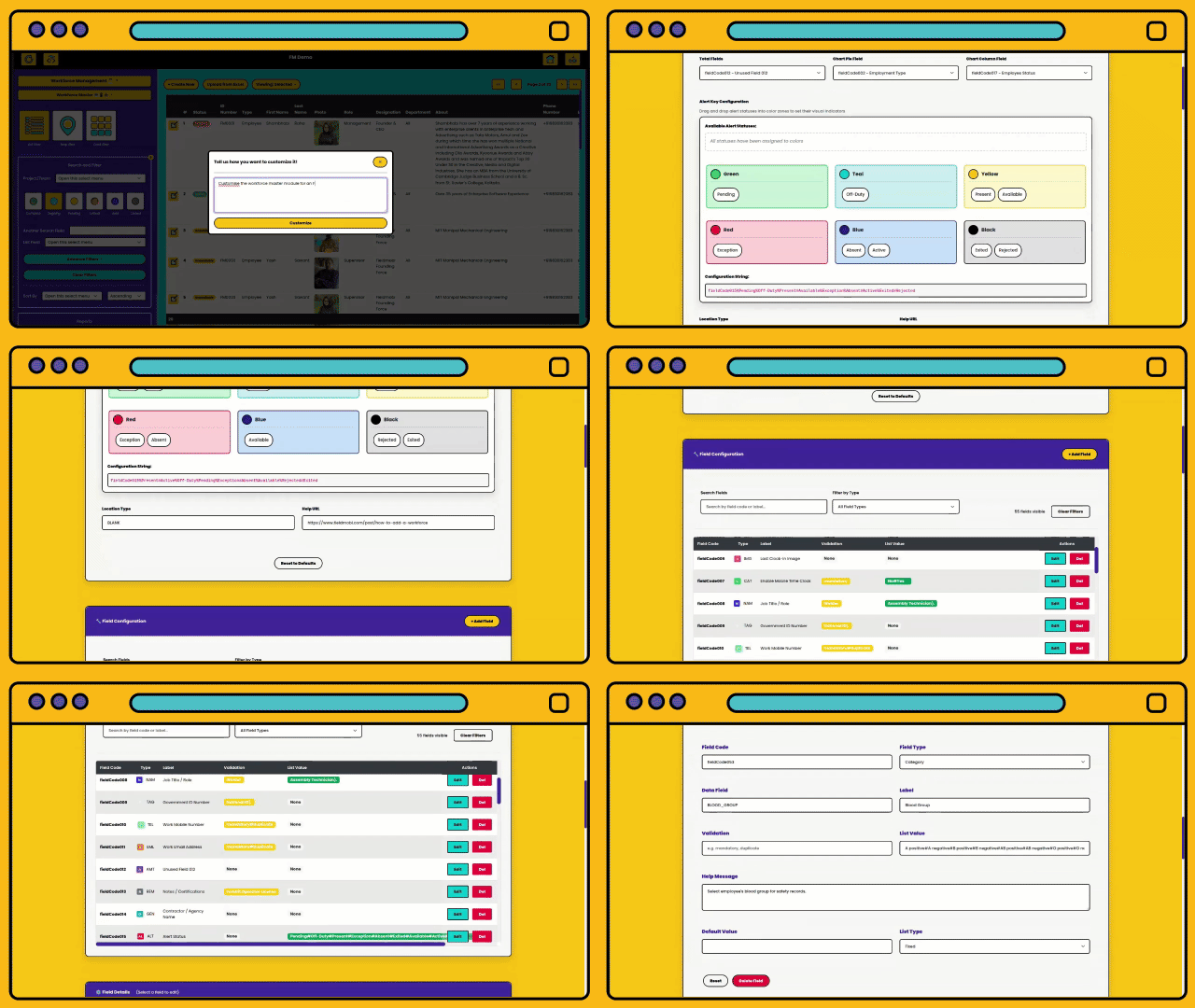
Meet Fieldmo the Bee


Our proprietary No-Code AI Customiser. Just add your requirements into Fielmo's chat and watch your customizations be made in minutes!
User Roles & Access
Admins
-
Full access to all modules including System Admin
-
Creates the Account
-
Can Add/Remove Users
-
Manages Billing and Payments
-
Can Customize Modules
-
Bulk Upload Data

Full Android/iOS Users
-
System Roles: Supervisor, Field User
-
Primarily has app access to collect and update data
-
Only has view access on the dashboard
-
Designed for Field and Floor teams

Dashboard Viewers
-
System Role: CXO
-
Only has view access on the dashboard
-
Can view Data across the organization
-
Can view Summarized Reports and Analytics on the MIS
-
Designed for Management

Dashboard Users
-
System Roles: Manager, Team Lead
-
Has view, edit and create access on the Dashboard
-
Can assign and approve work
-
Designed for Operations

Limited Android/iOS Users
-
System Role: End User
-
Can only mark Attendance and send Beeline Updates on the app
-
No access on the dashboard
-
Designed for external contractors, non-critical employees, etc.

Load Data & Setup
Because of the ease at which we can customize modules and fields, we can map fields for APIs or Data Transfers exactly as required simplifying the integration process
APIs set for:
AI/ML Interfaces
Existing ERP System
IoT Interfaces

Bulk Upload of Data
Download data template from the dashboard.
.png)


Open downloaded template on excel, and upload data onto it. Then, export as CSV file and upload it onto Fieldmobi portal.

Book a Demo
 Available Online
Discover how Fieldmobi can streamline your operations with a tailored, mobile-first ERP solution
45 min